CaseSafe™ Instructions for Apple Users
Set Up
Step 1: Prepare the CaseSafe Tracker
- Open the suitcase and locate the back of the tracker.
- Pull the plastic tab. The device should beep once, and the indicator light will blink.
- Open the Find My app on your Apple device.
Step 2: Pairing with Apple Devices
- Open the Find My app.
- Tap the Items tab.
- Tap the + sign. (If no other items are paired, tap Add Item.)
- Select Add Other Item.
- The app will search for July Luggage.
- Tap Connect, then name the item.
- Choose an emoji.
- Agree to the terms to complete the setup.
- Tap Finish.
Please Note:
If the plastic tab has been removed, or the device was unpaired and left disconnected for 10 minutes, it will enter Sleep Mode. To wake the device and reconnect it:
- Remove the battery from the tracker.
- Wait 10 seconds.
- Reinsert the battery.
The device will power back on and can then be paired again using the steps above.
Unpairing from Apple Devices
- Open the Find My app.
- Tap the Items tab.
- Select your July Luggage.
- Scroll down and tap Remove Item.
- Confirm the removal. The LED indicator will blink, and the device will chime three times.
Changing The Battery
- Open the suitcase and locate the back of the trackable TSA lock.
- Use a flat object to twist off the battery cap.
- Use a pointed utensil to remove the battery and replace with a new CR2032 battery.
- Use a flat object to twist the battery cap on.
Factory Reset
If previously paired with an iOS device, your CaseSafe tracker will need a factory reset before pairing with Android.
- Unpair the device from the Find My app.
- Remove and reinsert the battery five times in succession, ensuring that each removal occurs within 5 seconds of the previous reinsertion.
- The indicator will chime three times, confirming the reset.
Operational Instructions
Checking Connection Status
- Press the button once to check the connection status:
- Unpaired → 3 blinks, 3 chimes
- Paired but Disconnected → 1 blink, 3 chimes
- Paired and Connected → 1 blink, 1 chime
- If the device is ringing (due to a ping from the app), press the button once to silence it.
How to Disable an Unknown CaseSafe Device
If you receive a notification about an unknown CaseSafe device nearby, you can make it ring by tapping the notification. Once you locate it, follow these steps to disable it:
- Unlock and unzip the suitcase.
- Locate the battery cover (on the rear of the tracker).
- Use a coin or flat tool to open the cover.
- Remove the battery.
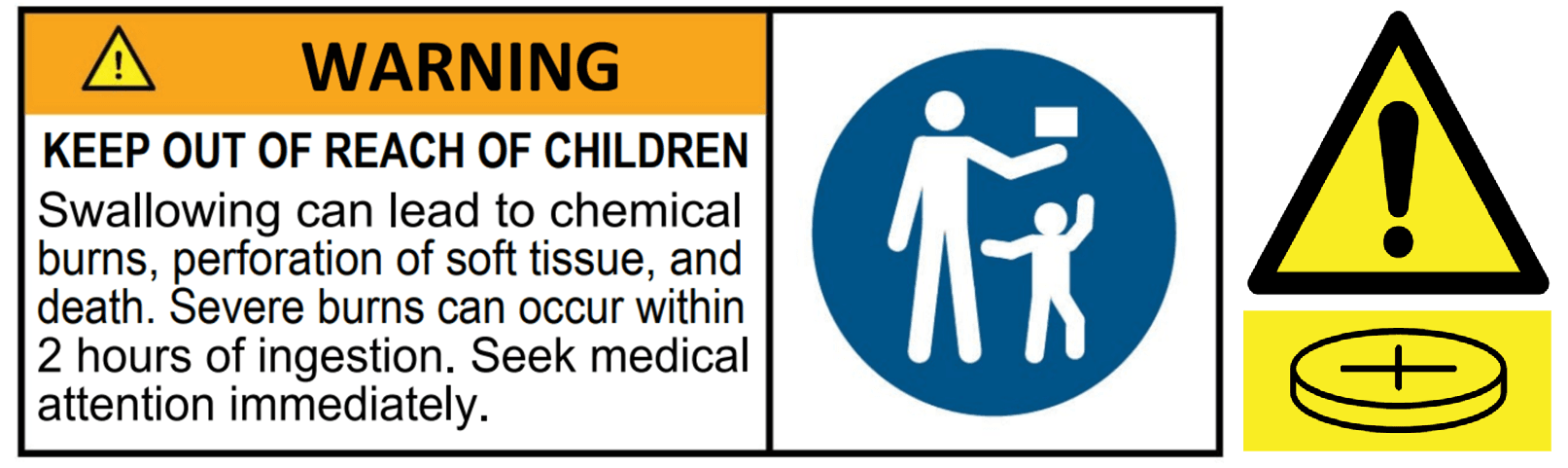
Please note this product contains a button battery. See the warning below for further safety information.